The project
COUSE
COUSE
Scalable Components. Faster Workflows.
Morpho is OpenBB’s Design System, created to bring structure to how design and development work together. Inspired by the Morpho butterfly: the symbol behind OpenBB’s icon 🦋. The system represents transformation, consistency, and scalable growth.
INDUSTRY
Product
DATE
2024 - 2025
ROLE
UI/UX Designer

Challenge
In the early stages, the focus was heavily on building a functional, profitable product. User experience naturally took a back seat and like many startups, we didn’t have a design system in place from the start. It just wasn’t the priority at the time, and with limited resources, the effort needed to build one felt hard to justify.
Over time though, that gap became more noticeable. Inconsistencies started to emerge, which affected both the user experience and the overall feel of the product.
Solution
To resolve this, we created Morpho, the OpenBB design system. It brought structure to how design and development worked together: made our process faster, and helped ensure everything we shipped felt polished and cohesive. Morpho gives us a shared language and a clear set of guidelines, so we can build in a way that’s consistent, scalable, and aligned with the brand.
Process
As the only designer in the product team, I single-handedly designed and built the design system from scratch for OpenBB. I continue to expand the component library, ensuring consistency, scalability and efficiency in the design and development process.
Design Audit → Research and Planning → Components & Pattern Library → Documentation → Adoption
Design Audit
Taking inventory of our product’s UI was eye-opening. We discovered just how many different button styles, text sizes, and patterns had accumulated over time: inconsistencies that had quietly crept in as the product evolved.
Research and Planning
After the audit, we studied other design systems and listed all common components in our product. This library became the backbone of our system, helping us build components consistently and methodically.
Components & Pattern Library
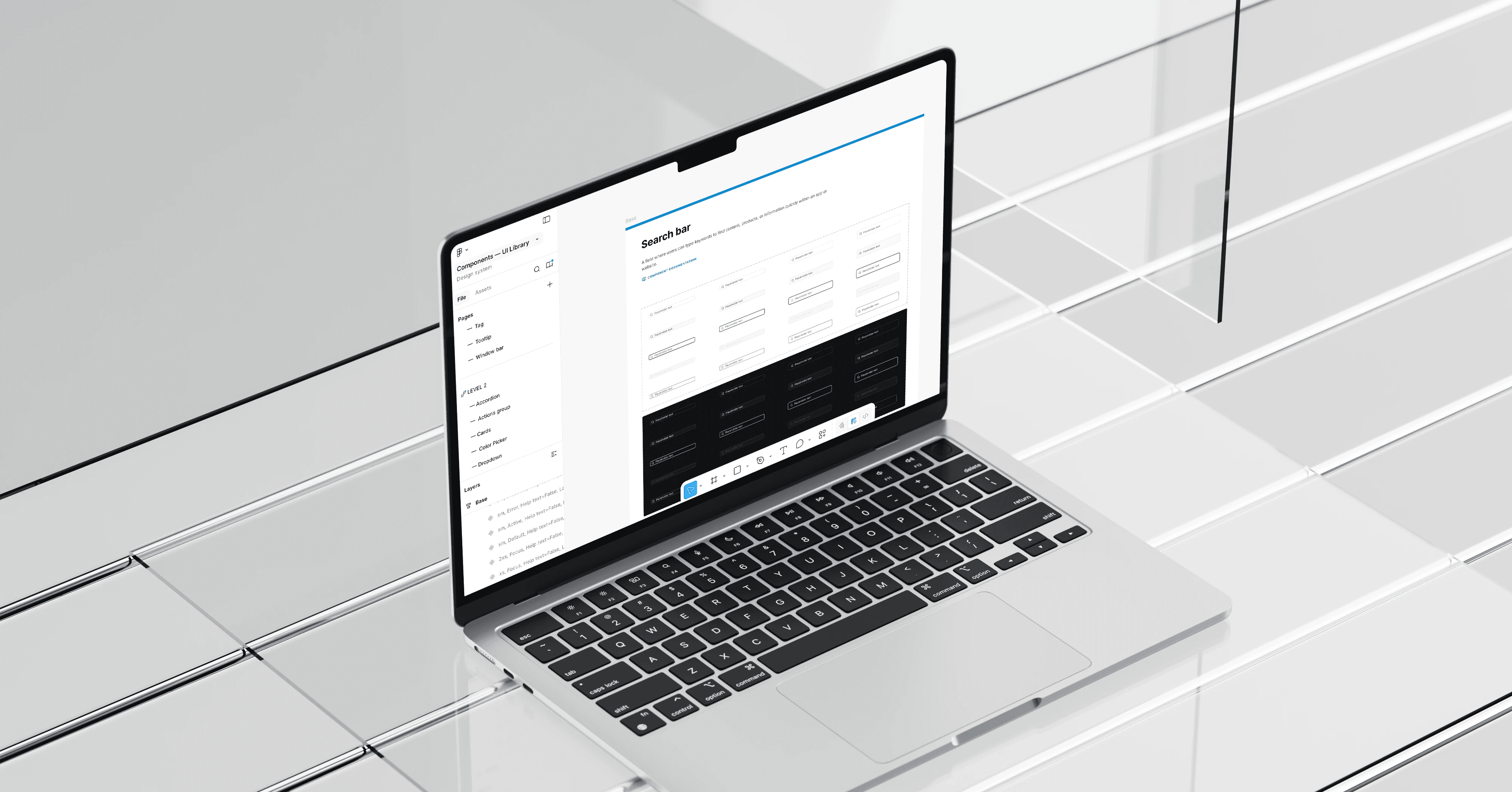
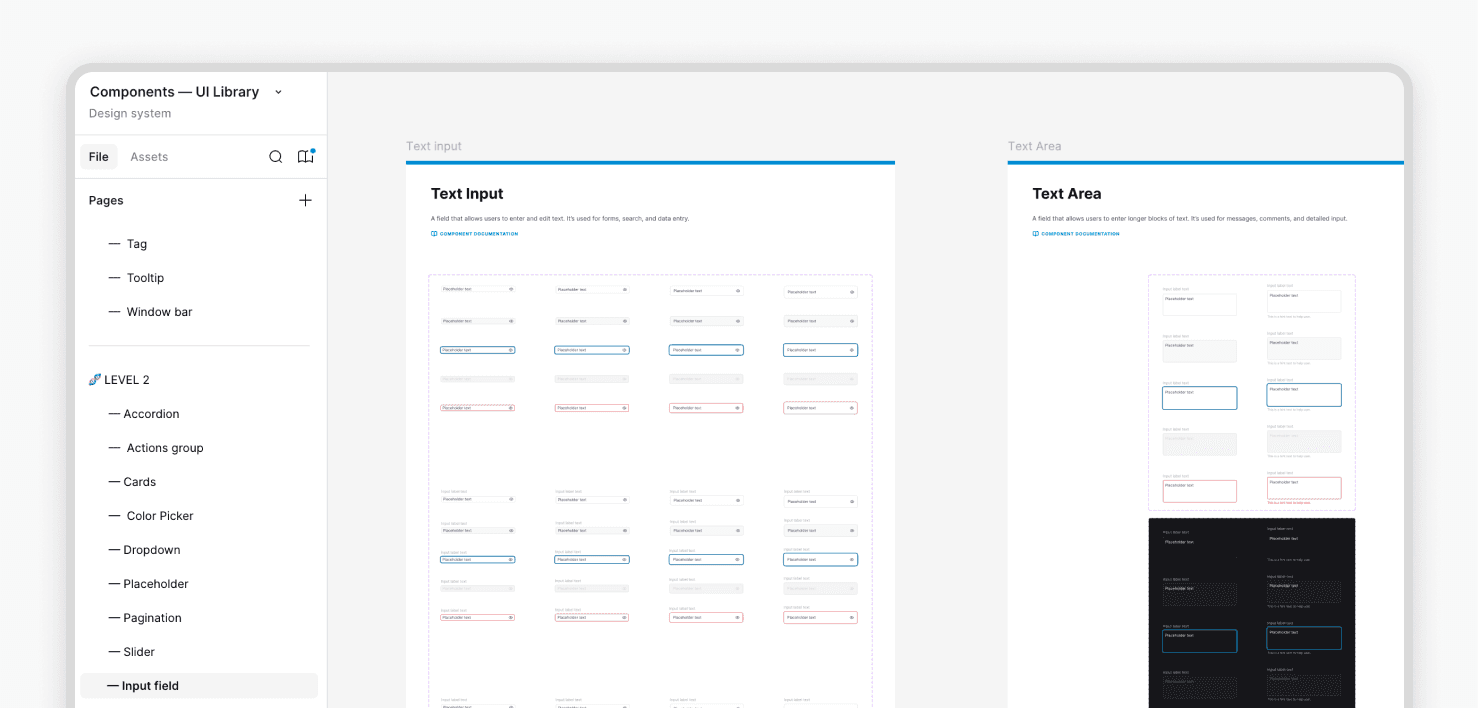
We used Figma to build a structured components library, creating reusable UI elements with defined states and variations. This allowed us to design more efficiently while maintaining consistency across the product.
Our product supports both light and dark modes, so we created design variables for colors, typography, and spacing. This approach allowed us to switch modes automatically across all components, ensuring consistency while saving time and reducing errors.

Documentation
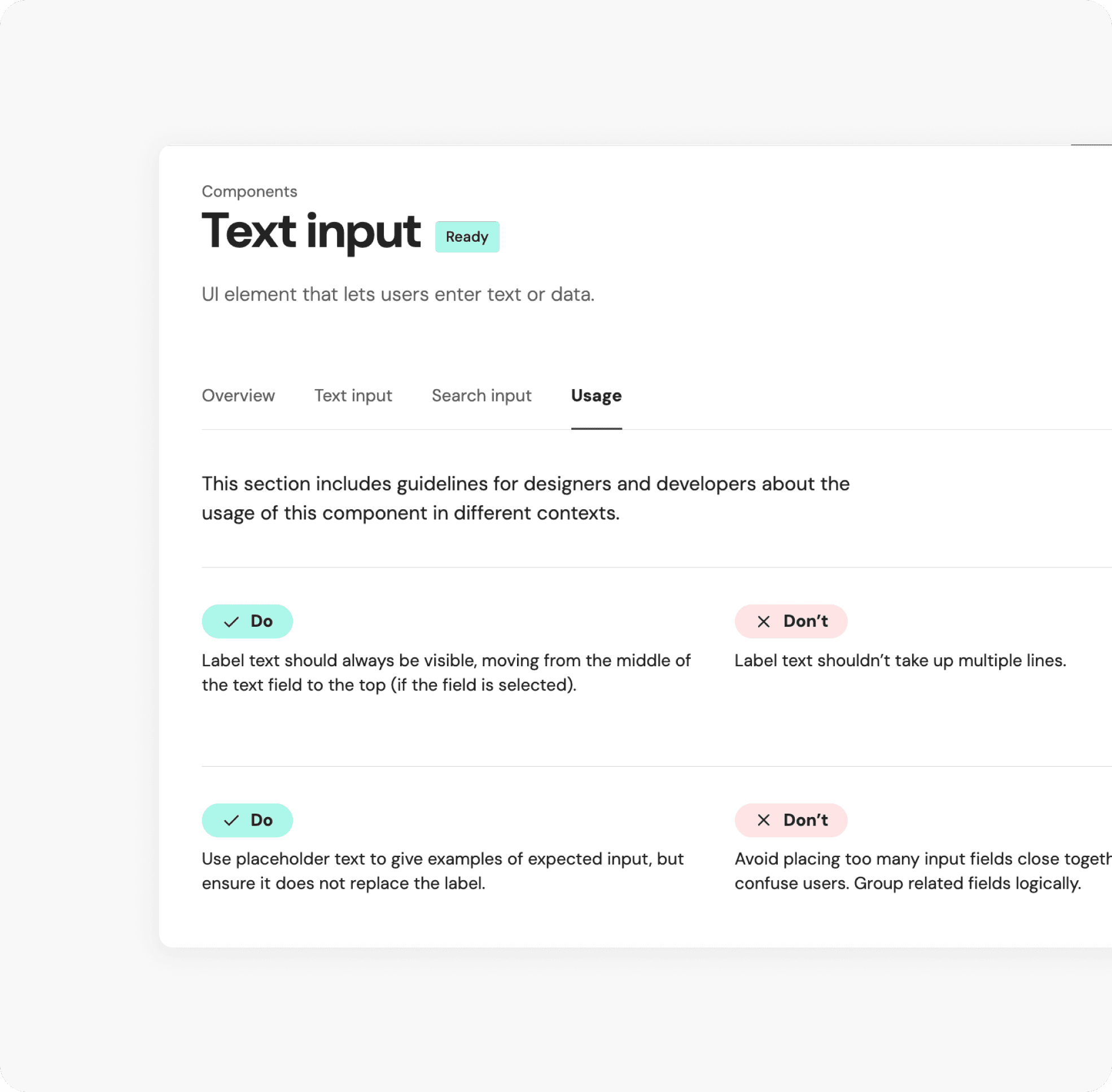
To keep the design system accessible across teams, we documented everything in Zeroheight: a central source of truth for visual guidelines, usage rules, and development specifications. This ensured components were clearly understood and consistently implemented.
Documentation was the key to adoption.
Adoption
More important than building a design system, was encouraging everyone in the team to use it. We focused on making it genuinely valuable and easy to use, knowing teams would only embrace it if it improved their daily workflows.
Through clear documentation, practical guidelines, and close collaboration with designers and developers, we encouraged consistent usage and positioned the system as a shared foundation rather than a constraint.