The Project
COUSE
COUSE
Your school, in your pocket.
MY.ESJF brings together everything students need for their school life in one place. Designed for all students, it simplifies access to schedules, assignments, resources, and important updates, making daily school life smoother and more organized.
INDUSTRY
Academic
DATE
2018
ROLE
UI/UX Designer

Challenge
Students often receive school information from multiple, disconnected sources. Class materials, schedules, grades, and announcements are shared on different platforms, through emails, or even on paper. Without a single reliable reference point, students have to rely on word of mouth or last-minute reminders to stay updated. This fragmented approach makes it easy to miss important information, creates difficulties in planning, and adds unnecessary stress to their daily school routines.
Solution
The MY.ESJF mobile app was born to remove these points of friction. Students can quickly find class notes and files shared by teachers, check their calendar for exams and deadlines, and view their grades at any time.The app also includes practical features like notifications for important updates, school events, locker reservations, and cafeteria details.
By keeping everything in one place, the app helps students stay organized, save time, and have a smoother school experience.




Research and Discovery
Since we were students ourselves at the time, it was easier to empathize with users and understand their needs firsthand. During the research and discovery phase, we conducted user interviews, contextual inquiries, and observational research to explore how students interact with the school’s services
Understandable patterns
We explored how students naturally approach the app and which patterns feel intuitive. This helped us identify familiar behaviors and structures that make navigation easier to pick up.
Focused on what matters
Researched which tasks, content, and features matter most to students at different times. These insights help focus the experience on what’s truly important.
Designed for everyone
Looked at the diverse ways students interact with technology, uncovering barriers and opportunities. This ensures the experience works well for students of varying abilities, backgrounds, and contexts.

Features
Registration & personalized onboarding
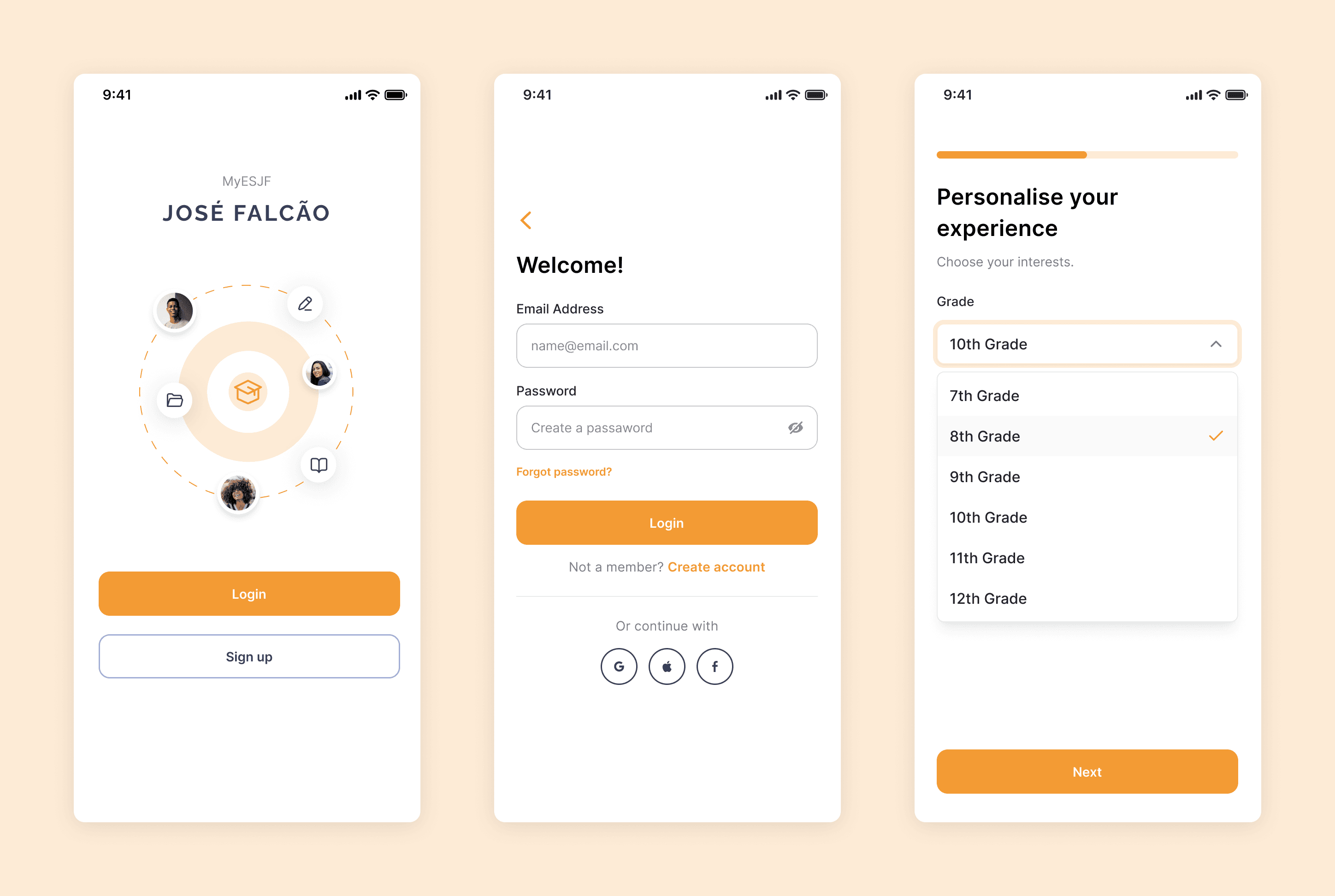
The registration and login process is quick, secure, and designed to make the experience personal from the start. Users can log in or create an account, then go through a few simple steps:like selecting their grade and interests, so the app is tailored to their needs right away.
Home page & navigation overview
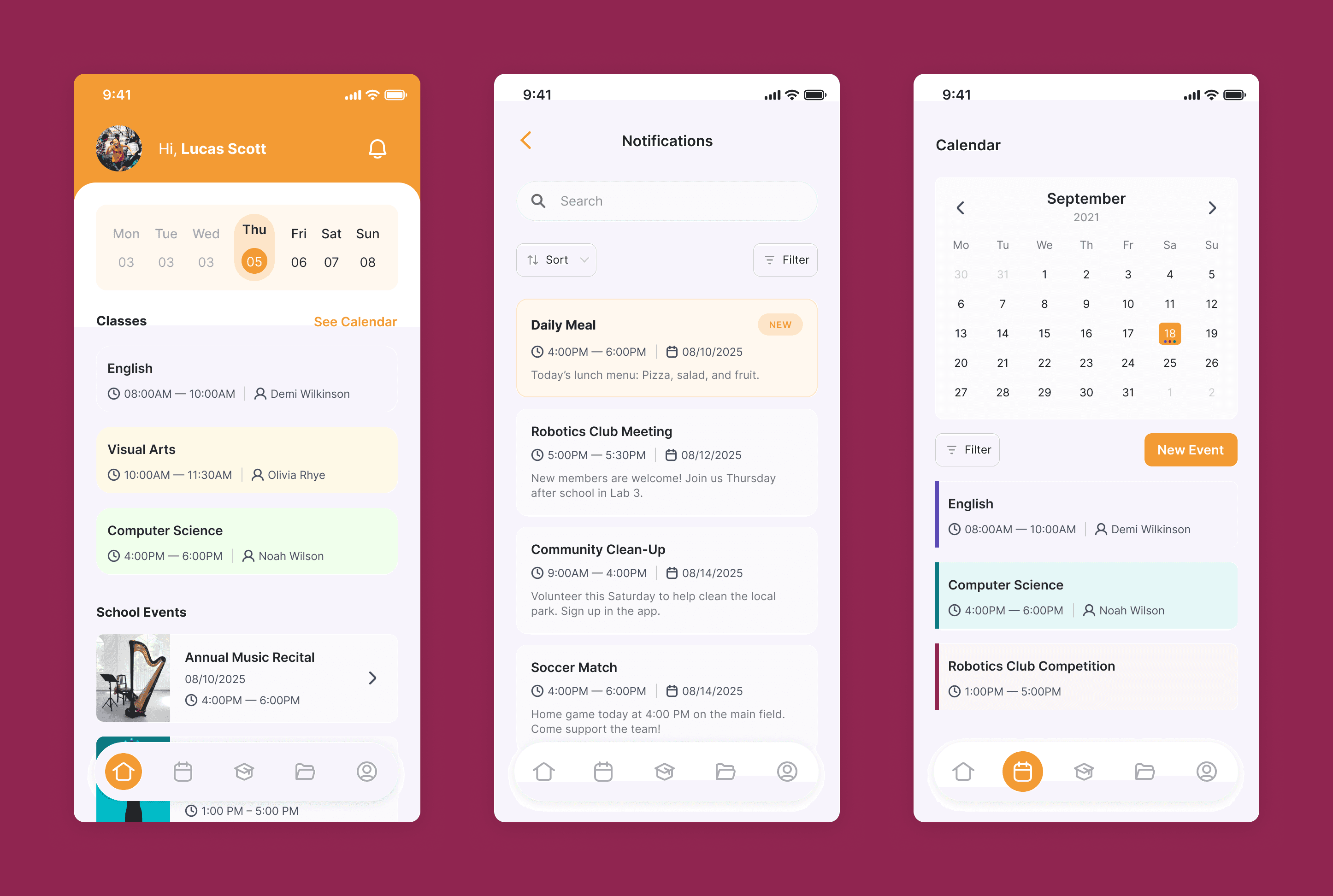
When users open the app, they are directed to the home page, which provides an overview of the current day, including classes, events, and notifications.
The floating menu, at the bottom, gives quick access to the app’s main sections: Home, Calendar, Services/Events, Resources, and Profile, making it easy to move around the app without getting lost.
School services and event listings
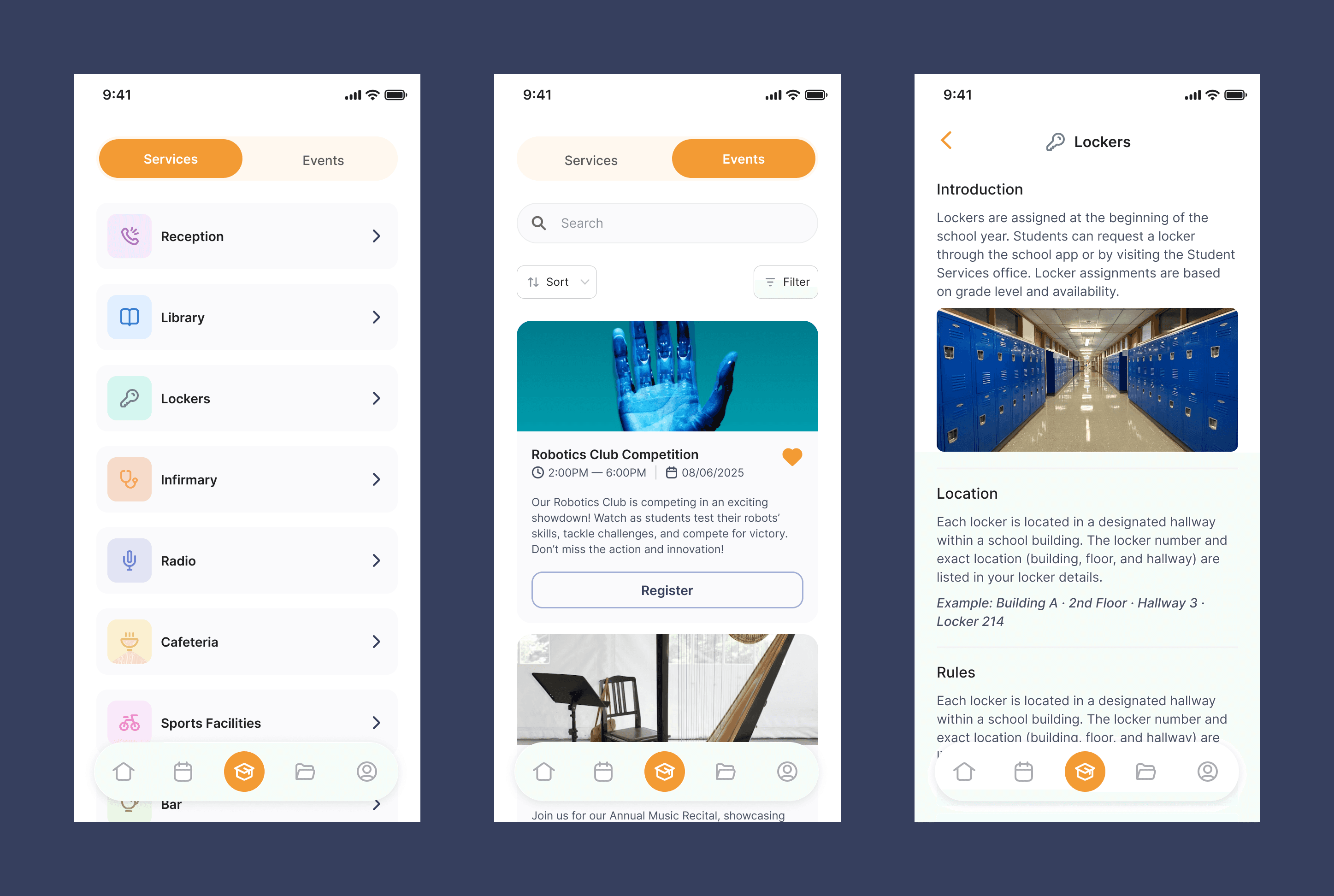
The services and events section brings all of the school’s offerings together in one place. In the services tab, users can see the details for each service, like schedules, locations, and other important info. The events tab lists all the school-organized events, making it easy to stay updated and involved in campus life.
Academic hub
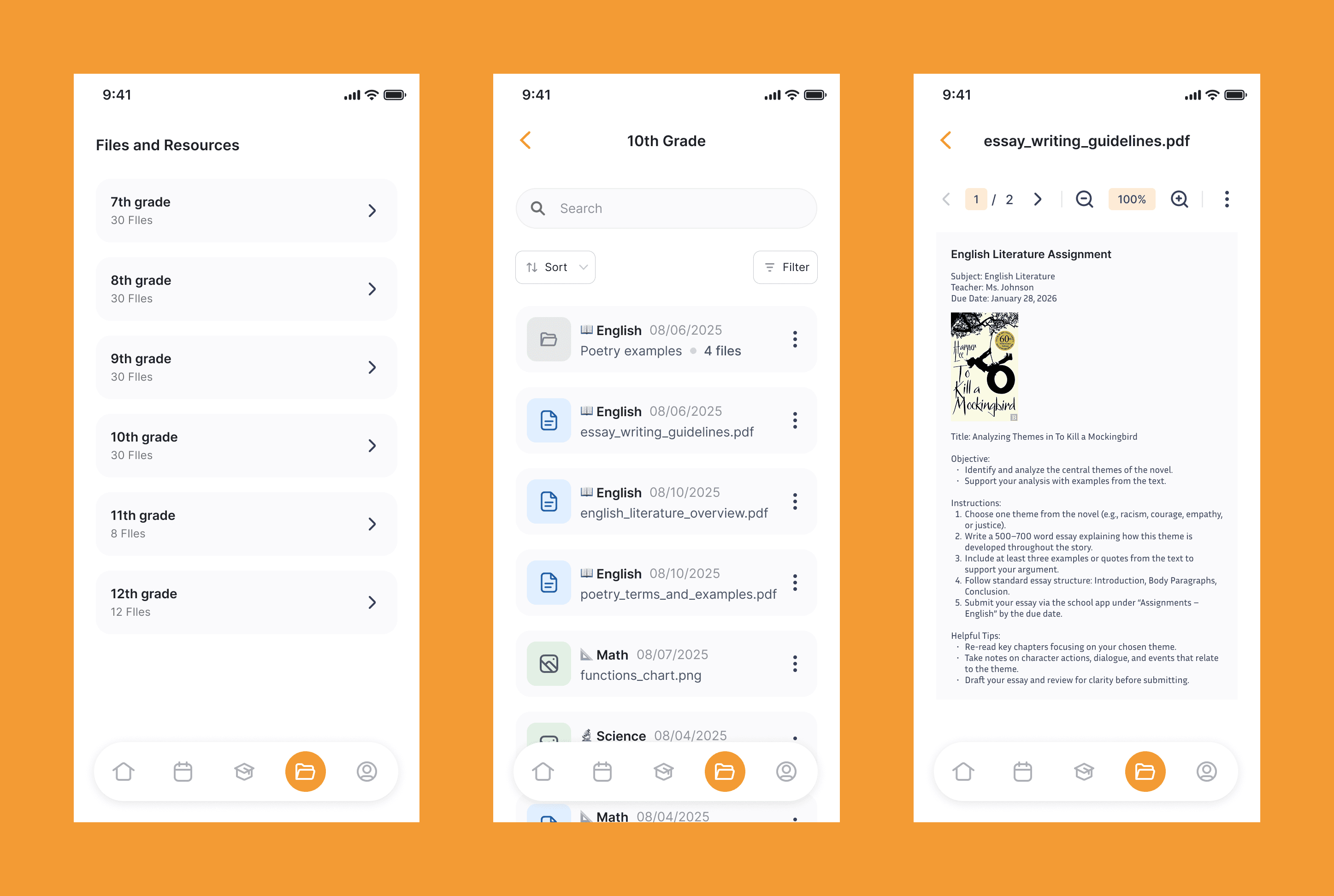
One of the main features is a centralized place for all study materials and files shared by teachers. Instead of searching through emails or Discord messages, students have a single source where they can always find the right materials, making it easier to stay organized and prepared for exams.

⚠️ Note: Redesigned this product a few years after its original launch to address issues in the first version. This showcase study reflects that redesign.